Oh Give Me a Home: where loose papers can’t roam

It’s time to organize some more stuff!  This idea is extremely inexpensive and can be used in so many ways.  It’s a cardboard magazine file from Ikea!
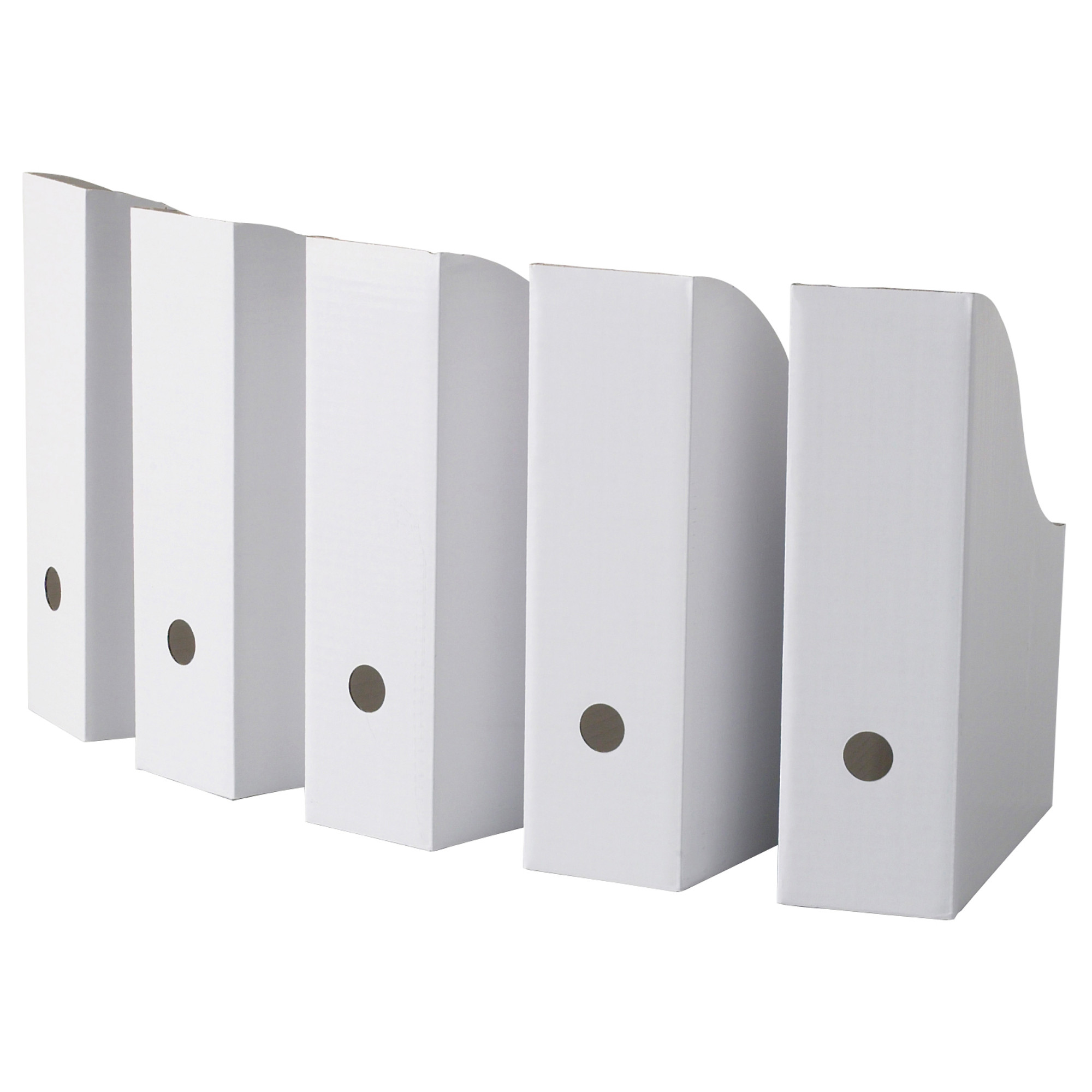
FLYT magazine file from Ikea

FLYT magazine file from Ikea

I didn’t know these little boxes could make my life so easy.  I use them to store all of my piano music (organized by genre of course).

Piano music and scrapbook paper

Piano music and scrapbook paper

I use them to store magazines that I can’t bear to throw away (chronologically of course).  I use them to tidy up all those family histories my mother wrote (alphabetically by subject of course).
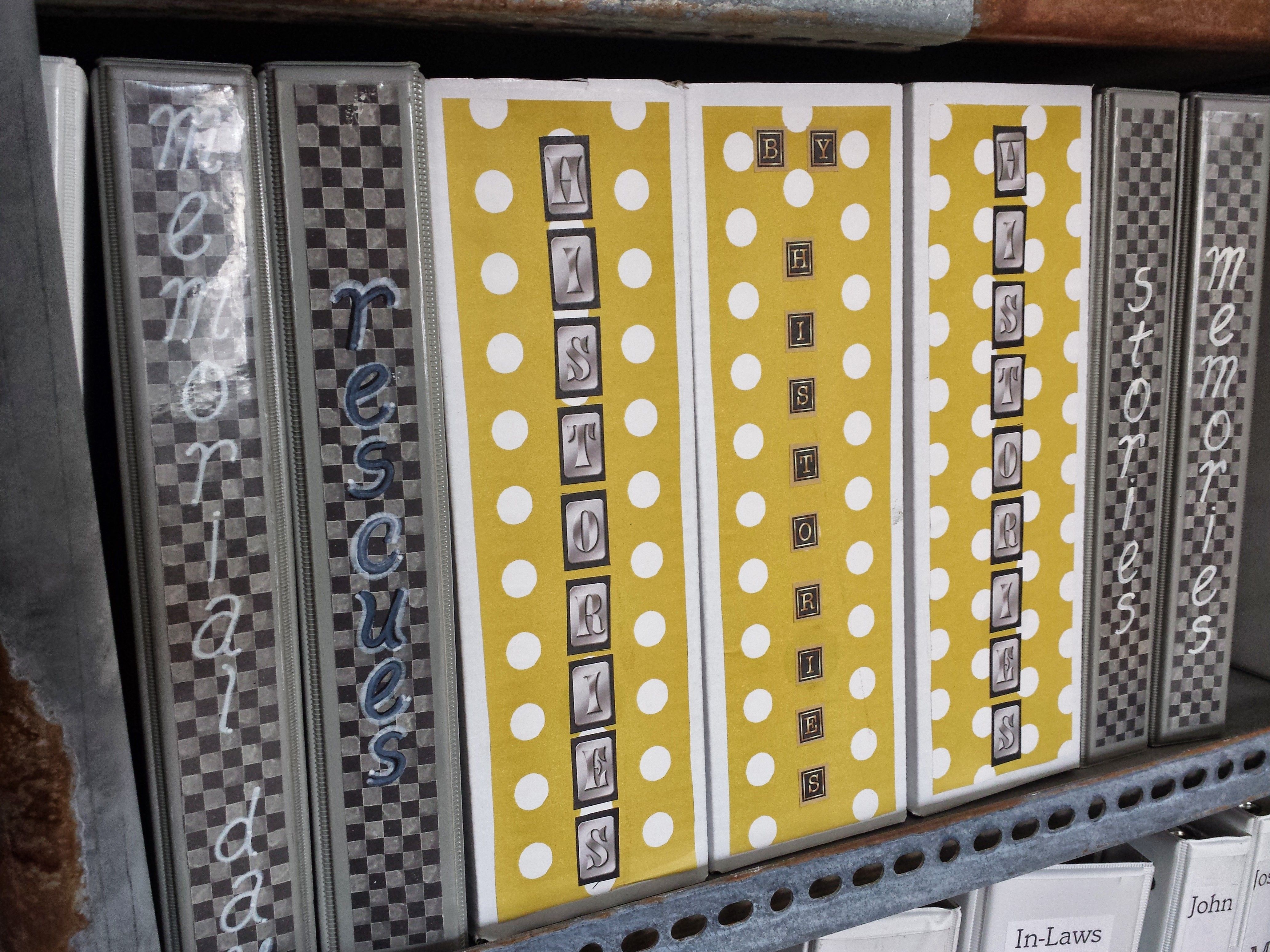
Family Histories

Family Histories

I use them to hold study guides and reference materials that I might or might never need again (labeled “General Reference” of course).  I use them to hold all my junior high and high school yearbooks (times 2 because my husband has a set also).

Yearbooks from Days Gone By

Yearbooks from Days Gone By

I use them to hold my 8.5 x 11 scrapbooking paper.

Scrapbook Papers

Scrapbook Papers

I use them to hold my printer paper, photo paper, and page protectors.  And I made my own larger ones to hold my 12 x 12 scrapbooking paper.  The boxes are plain white, but you can see that I dressed up some of them with scrapbook paper and fancy lettering, just for fun.

You can buy them at Ikea for $1.49 for a 5-pack or order them online, but beware that shipping charges can cost more than the product.  I ordered them from Amazon with free shipping, but had to pay a little more for the product.  It was still cheaper than driving to the nearest Ikea, which is now 70 miles away from my home.  Shop around, even on Amazon, and find the best deal.

And if you caught a glimpse of my newly painted, beautiful gray piano or my aged industrial shelves, stay tuned for a future post on those items!
Someone To Watch Over Me: hanging up the grandkids

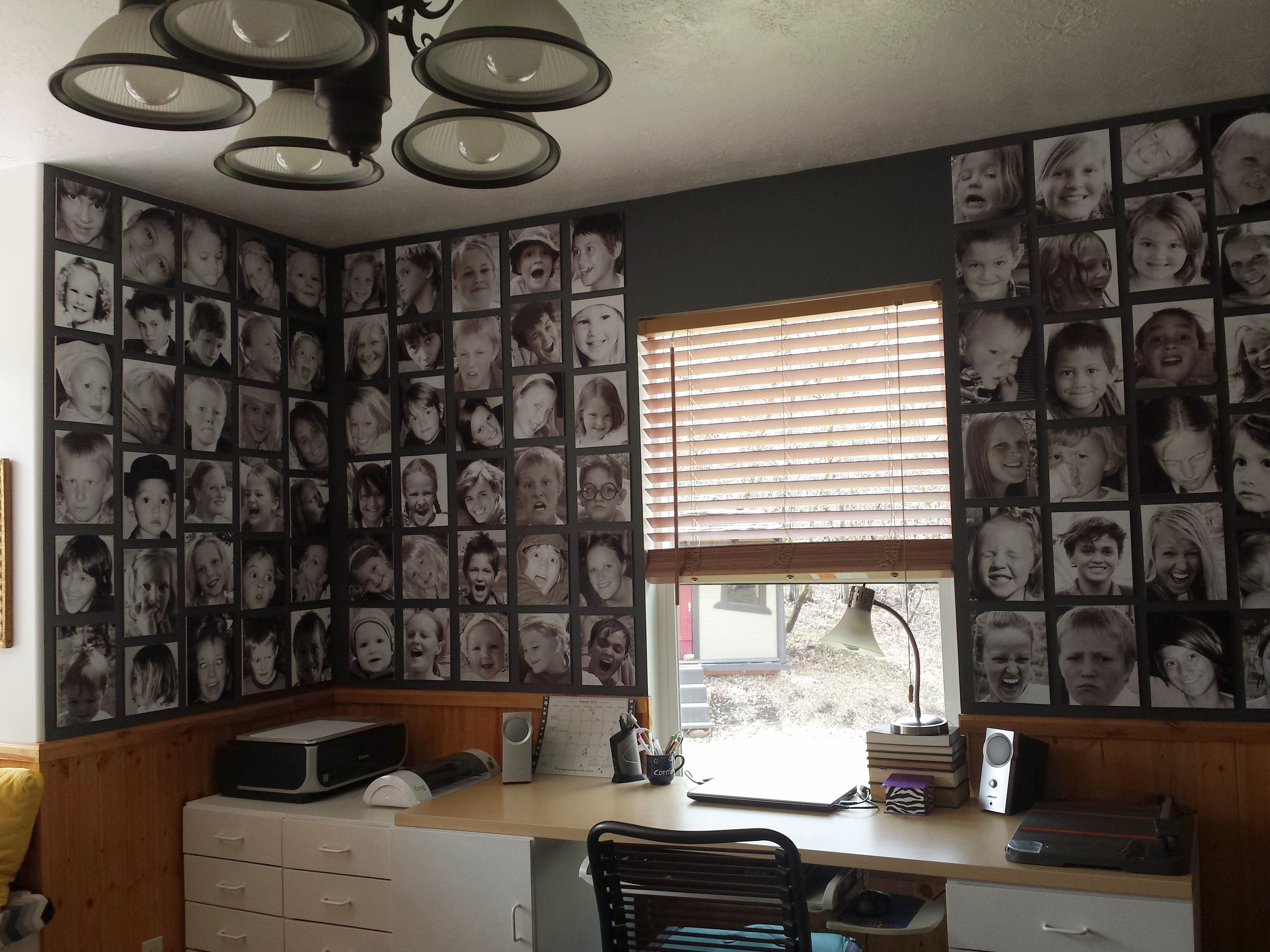
I got so many compliments on my grandkid photo wall at our previous home that I wanted to duplicate it at the new house.  The project took longer than expected because I had to reprint and recrop and paint the walls first, but it was worth the time.

96 photos of 8 grandkids

96 photos of 8 grandkids

This is my step-by-step process:

  1. Crop photos, change them to grayscale, then print in grayscale mode on glossy photo paper (I use a Canon Pixma color printer that produces a great quality picture).  Sometimes the prints have a slight brown or purple tint to them, but they fade overnight to black and white.  I print them as large as the paper and crop later to be the size I want.

    My Canon Pixma MP510 color printer

    My Canon Pixma MP510 color printer

  2. Use spray glue to mount the photos to white foam core. spray glue
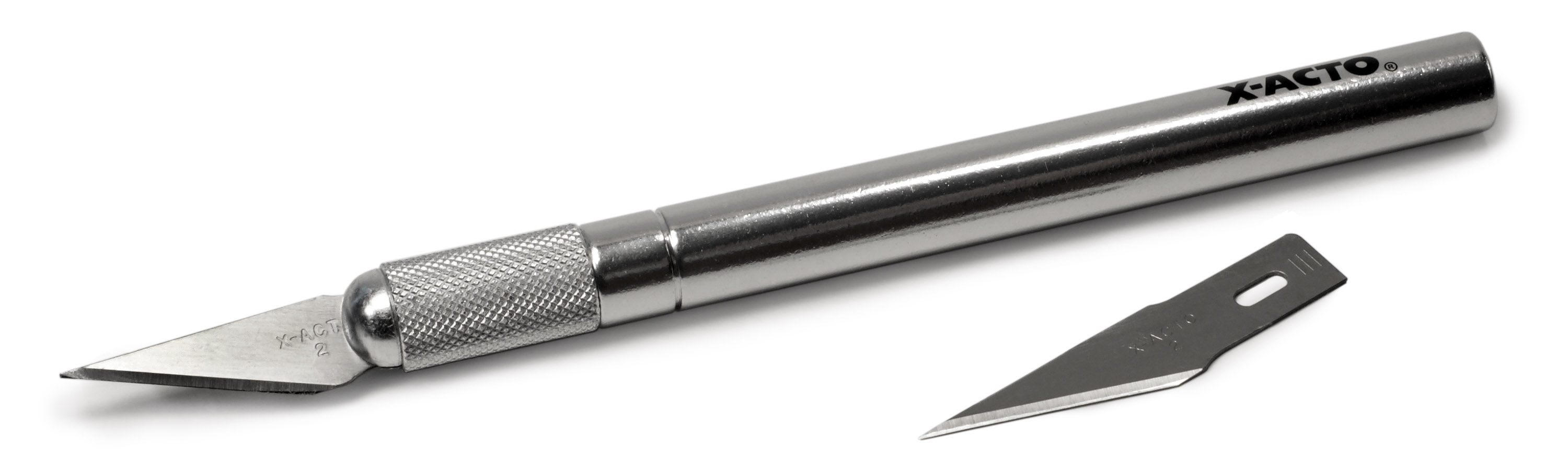
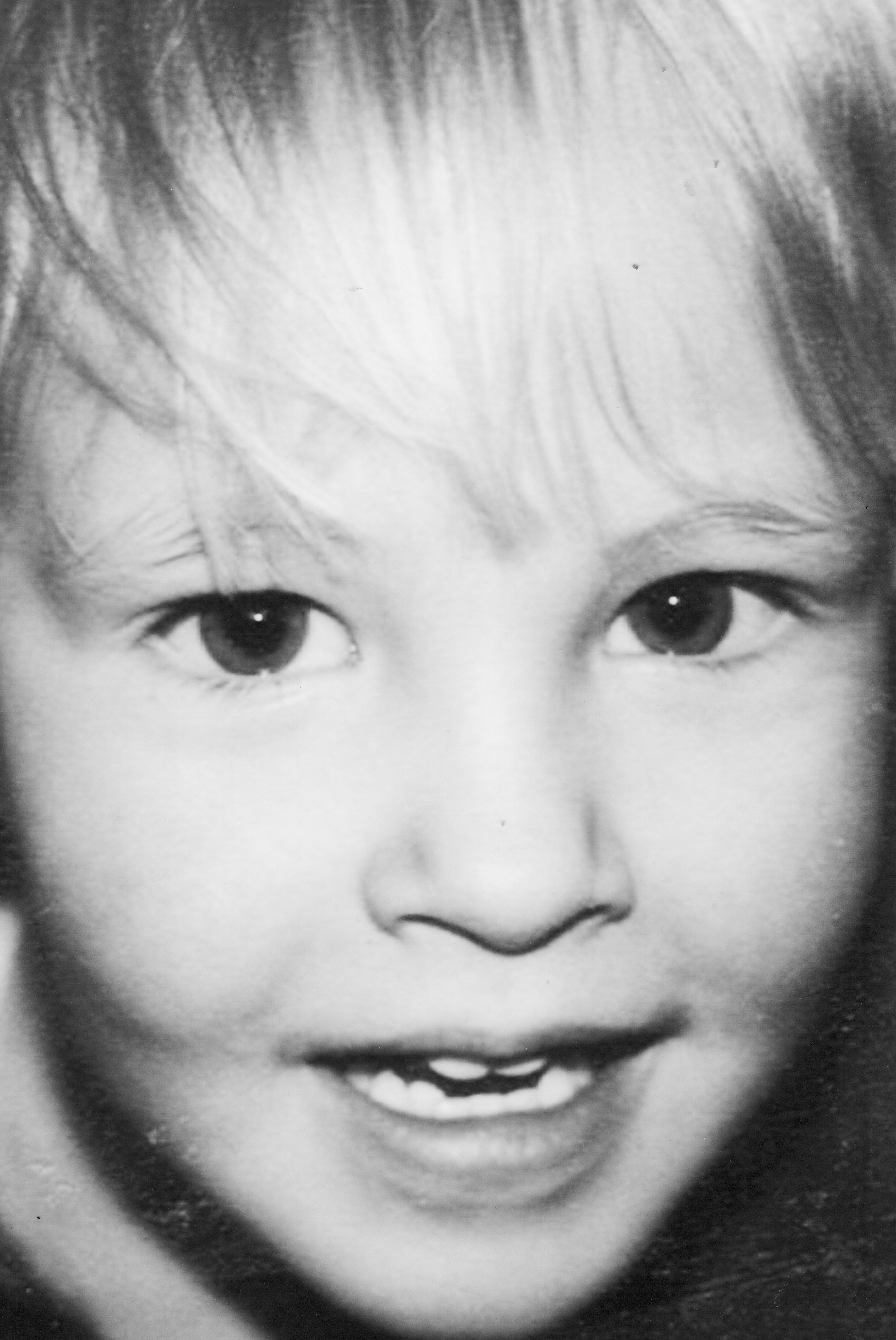
  3. Use a sharp Xacto knife to cut the foam core to the desired size, positioning the face where you want it to be on the finished product.  SONY DSCI found that when the kids were small children, their cute little faces were fun to crop in interesting ways. 
    connie ward girl with a past blog genealogy family history photo display grandchildren cropNow that they are older, it’s all about the hair! 
    connie ward girl with a past blog genealogy family history photo grandchildren cropSo I did less close cropping this time around.  I cut all of my foam core to a 7″ width, but varied the length to fit the photo.  You have to make sure your cuts are straight down and the blade has to be very sharp.
  4. I painted the walls a dark gray to make the photos pop.  I had some leftover gray and mixed it with some leftover black, so the paint didn’t cost me anything.  In retrospect, I wish I had painted all the white walls in the office this dark gray.  That’s another project for another day!
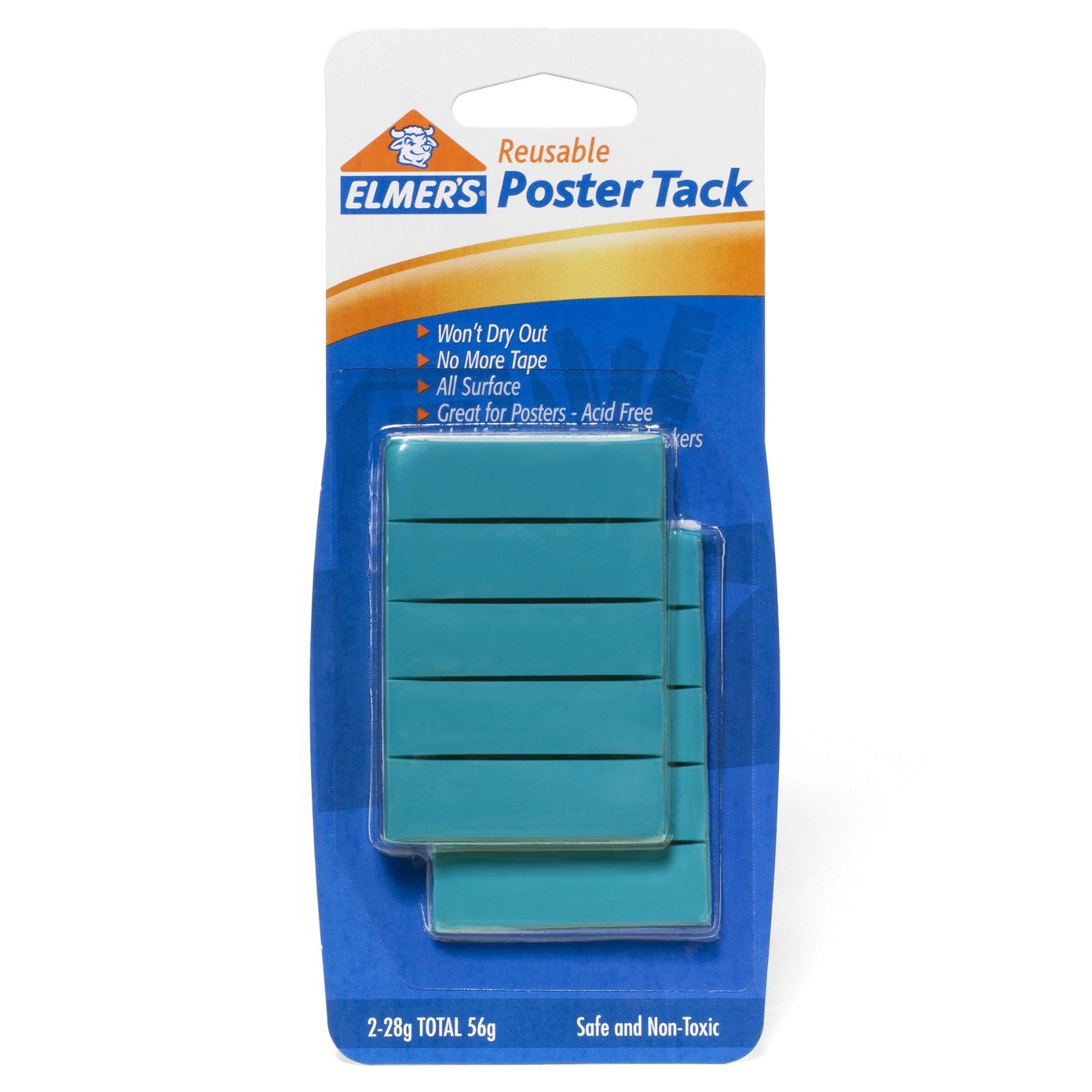
  5. I am a big fan of reusable poster tack and always have a supply in my desk drawer.  I am not sure which brand I use because it’s just in a big ball in a plastic bag!  I do know, however, that I only like the blue kind!  poster tack elmersA trick for removing it from the wall is to use a small ball of it to rub on the unwanted part and it comes right off.  Also, when removing photos from the wall, slide the photo so the tacky substance doesn’t pull off the paint (you can tell I’ve had a lot of experience!).  I put a dot of the tacky stuff about an inch from each corner in case I need to slide the photo a bit to reposition.
  6. When hanging the photos, if the space doesn’t work out just right, you can trim some of the length off and it all fits nicely.  Just make sure you leave the photos the same width so it doesn’t look like a big mess.connie ward girl with a past blog genealogy family history photo wall grandkids display grayscale black and whiteI love having my eight grandkids looking at me again while I work!  Each one got 12 pictures on the wall.  They are easy to change out because you just print a new photo and spray it on to the old one.

Now I just have to figure out what to put in the space above the window – I’m thinking 8 pictures of eyes only!

Diggin’ Up Roots: grandkids can dig too

I am always looking for ways to get my grandkids excited about my genealogy hobby.  I shove it down their throats whenever possible!  My granddaughter, Phebe, wrote a book about a grandmother named Phebe for a school project.  She did a great job and I was proud of her effort to be involved in the family history.

My granddaughter, Phebe, standing by the headstone of the grandma Phebe Zundel Ward

My granddaughter, Phebe, standing by the headstone of the grandma Phebe Zundel Ward

I did hear of a few new ways to involve the grandkids at RootsTech.

  • One of the ideas was said jokingly, but I actually thought it was a good idea:  make placemats of the family tree!  It would certainly start a great conversation at Sunday dinner, don’t you think?  I even found some examples at preservingheritage.blogspot.com.
  • Another idea came from a talk that referenced a study at Emory University involving the “Do You Know” test.  I googled it and am going to use it in the near future, again a Sunday dinner gem.
  • Someone mentioned having the family do a life map activity.  Each person would write down on a piece of paper as many “I remember” statements as possible within about 2-3 minutes.  Then they could draw a life map using those statements.  I want to do this and record the whole activity.
  • Also check out this cute Time Machine book at zap the grandmagap.com.

There are lots of ideas for involving those grandkids.  I will post more as I find them.  Am I alone in fearing that when I die no one will be interesting in furthering our family history?

Diggin’ Up Roots: the art of note taking

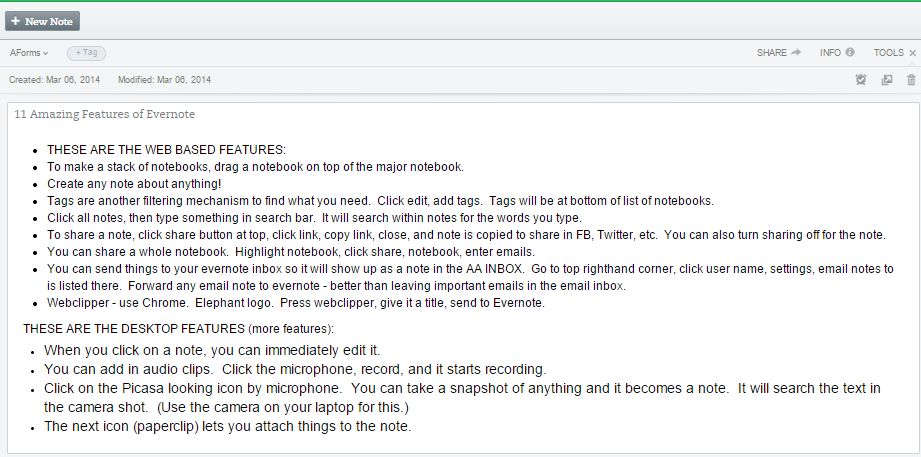
I am an Evernote lover.  If that word is foreign to you, stop reading this post and download Evernote to your computer, your laptop, your tablet, your smart phone now!  I guarantee you will wonder how you ever lived your life without Evernote!

The Evernote elephant remembers everything!

The Evernote elephant remembers everything!

There were several good RootsTech classes on using Evernote, and Lisa Louise Cooke has good webinars for it, as well as DottoTech.

Without giving you a whole Evernote tutorial (you can find lots of them on youtube), I will just say that you can use Evernote for everything from basic note taking to digital genealogy files.  When we “go to town” once a week for groceries, I am completely lost if I don’t have my phone with my list on Evernote.  If I have a brilliant thought, even in the middle of the night, I reach for my phone and click on Evernote to record that thought.  Anything I don’t want to forget becomes a note in Evernote.  When I find and scan an ancestor picture, it goes into Evernote.  When I take notes at RootsTech, they are stored in Evernote.  If a friend tells me how to make her scrumptious blond brownies, the recipe goes in Evernote.  You can save an entire web page with one click.  These are some examples of my genealogy notes/files on Evernote:

Salt Lake City Cemetery Map

Salt Lake City Cemetery Map

Ancestor Obituary from newspaper

Ancestor Obituary from newspaper

Postcard sent to my grandmother

Class notes

Class notes

Cemetery photo

Cemetery photo

And best of all, no matter where I am or what device I have or don’t have with me, I can access my Evernote files.  Your notes are stored in the cloud and you don’t have to worry about them.  You can organize them in any way using notebooks and you can search by word if you lose a note in your filing cabinet.  It’s like carrying my office around with me!  My genealogy is at my fingertips as well as the most mundane items of my life.

Evernote is free unless you use too much space, but even at that I only pay $5.00 per month for all this peace of mind.

Seriously, it would take many long blog posts to outline the benefits, so just give it a free try and I know you will love it for storing your genealogy.

Diggin Up Roots: lost and found

This post is one I didn’t plan to write – until this weekend’s traumatic event involving computer and quick finger!  Last year at RootsTech I was introduced to Backblaze.  I had been using another cloud backup service, but Backblaze is only $5 per month for unlimited service, so I switched.  I had lost a gazillion music files when my external hard drive just gave up the ghost a year ago, so I had already learned that lesson.  Yes, I have a new external hard drive, but I don’t trust it, so letting someone else backup my computer was a better choice for me.

This weekend I had to rely on Backblaze and they came through.  On Friday I temporarily installed a software program on my desktop for one of the grandkids.  There were several icons installed.  On Saturday, I wanted to get all of that software off my desktop and I saw the “uninstall” button and clicked on it (without really paying attention or reading the fine print).  Suddenly, every file saved on my desktop was gone, lost for good!  I know, I know, I shouldn’t have kept important stuff on the desktop, but I was accessing it every day, all day, and it was just easier – all of my blog ideas, pictures and instructions, but most importantly EVERY FILE on the children’s genealogy book I’m writing!  I nearly had a heart attack!  After frantically searching and determining that it was all really lost, I tried to do a system restore, but for some reason that failed – a couple of times.  I was getting all kinds of messages with the words “corrupt, invalid, error,” etc.

Then suddenly I remembered – BACKBLAZE!  My internet connection isn’t the world’s finest, but it’s all I can get, so it did take some time to restore those files, and I had to do it in small chunks, but finally this morning everything was found and is back on my computer, so I am very grateful!!! I am also making a reminder to back up my genealogy on my external drive at least weekly and especially before I install or uninstall any software.

So my message today is simple:  Make Sure You Have a Cloud Backup!  There are several services and many reviews written about them.  Do your homework, pick one, and get some peace of mind.

Diggin’ Up Roots: pin-ups

Have yPinterest_logo-3ou ever considered Pinterest as a research tool for your genealogy?  I use Pinterest for projects I’m planning, things I see online that I don’t want to forget about, recipes, and other interests.

And at one point I did add a genealogy board, but then kind of forgot about it.  At RootsTech, my memory was jogged, so I came home and did some pinning.

Some of my Pinterest boards

Some of my Pinterest boards

I was quite surprised at the genealogy information already on Pinterest.  There are some great helps and ideas.  I realized that I should  keep “pinning” some of the images I use in my blog for those who love Pinterest, but have not yet discovered “Girl With a Past.”

If you are a fan of Pinterest, a genealogy board might be just the thing for you!  Take a look at my Pinterest Genealogy Board and hopefully it will give you some ideas.